Go to the Seneca website
https://senecalearning.com/en-GB/
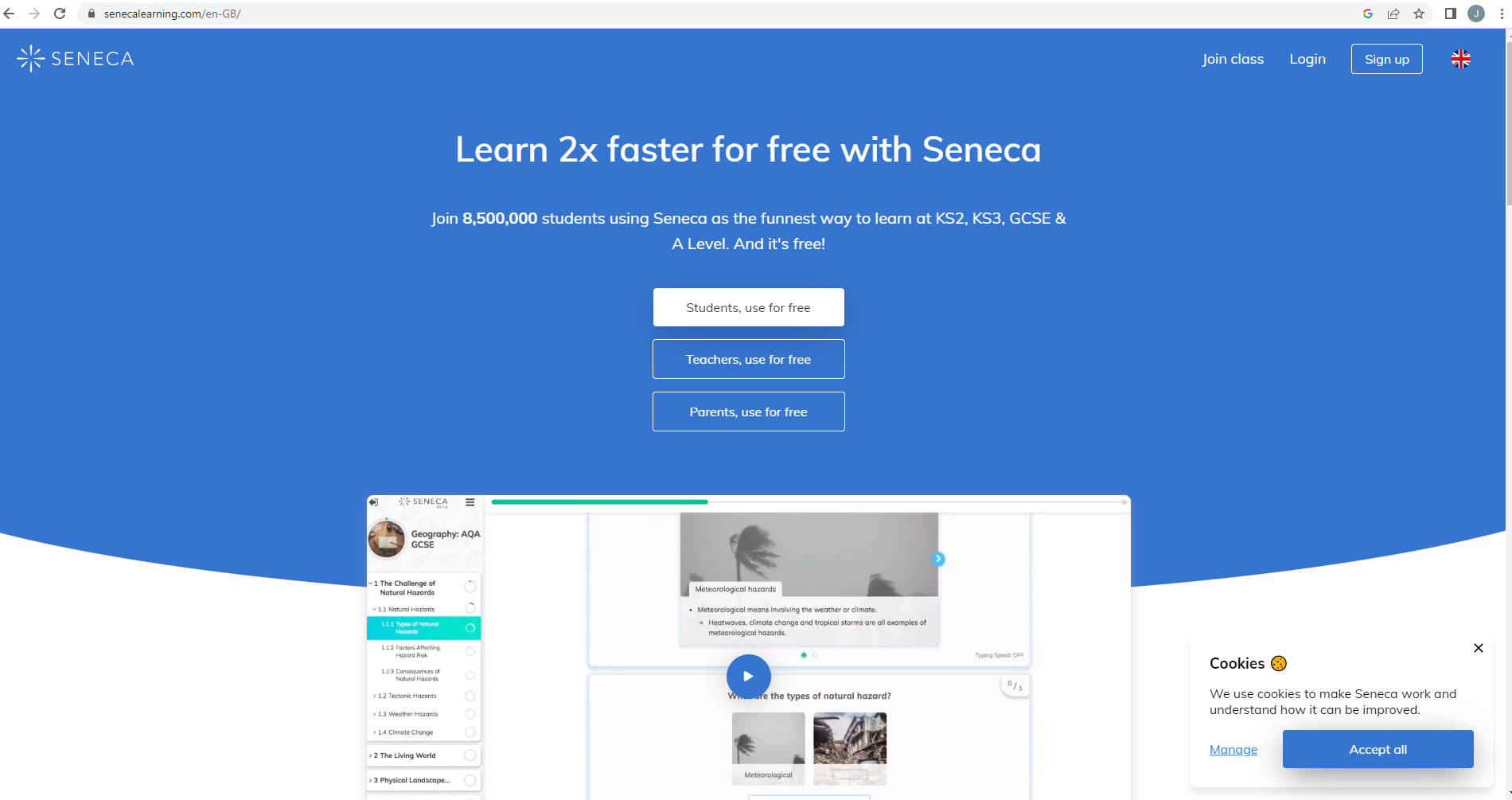
Click ‘sign up’ in the top right.
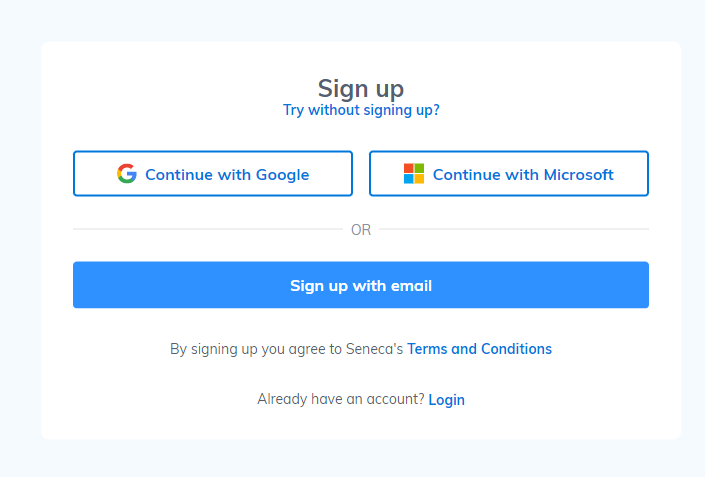
Once this menu comes up, Click ‘Continue with Microsoft’
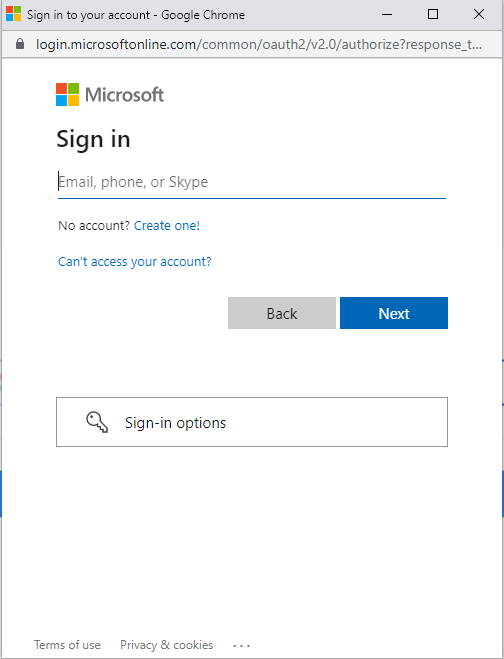
Once that is clicked the pupil will need to fill in with their details. School email and password.
First initial followed by the last name and intake year @henleyschool.com
For example JSmith22@henleyschool.com
Followed by the normal school login password of the student.
Was this article helpful?
That’s Great!
Thank you for your feedback
Sorry! We couldn't be helpful
Thank you for your feedback
Feedback sent
We appreciate your effort and will try to fix the article